New in 1.2.0
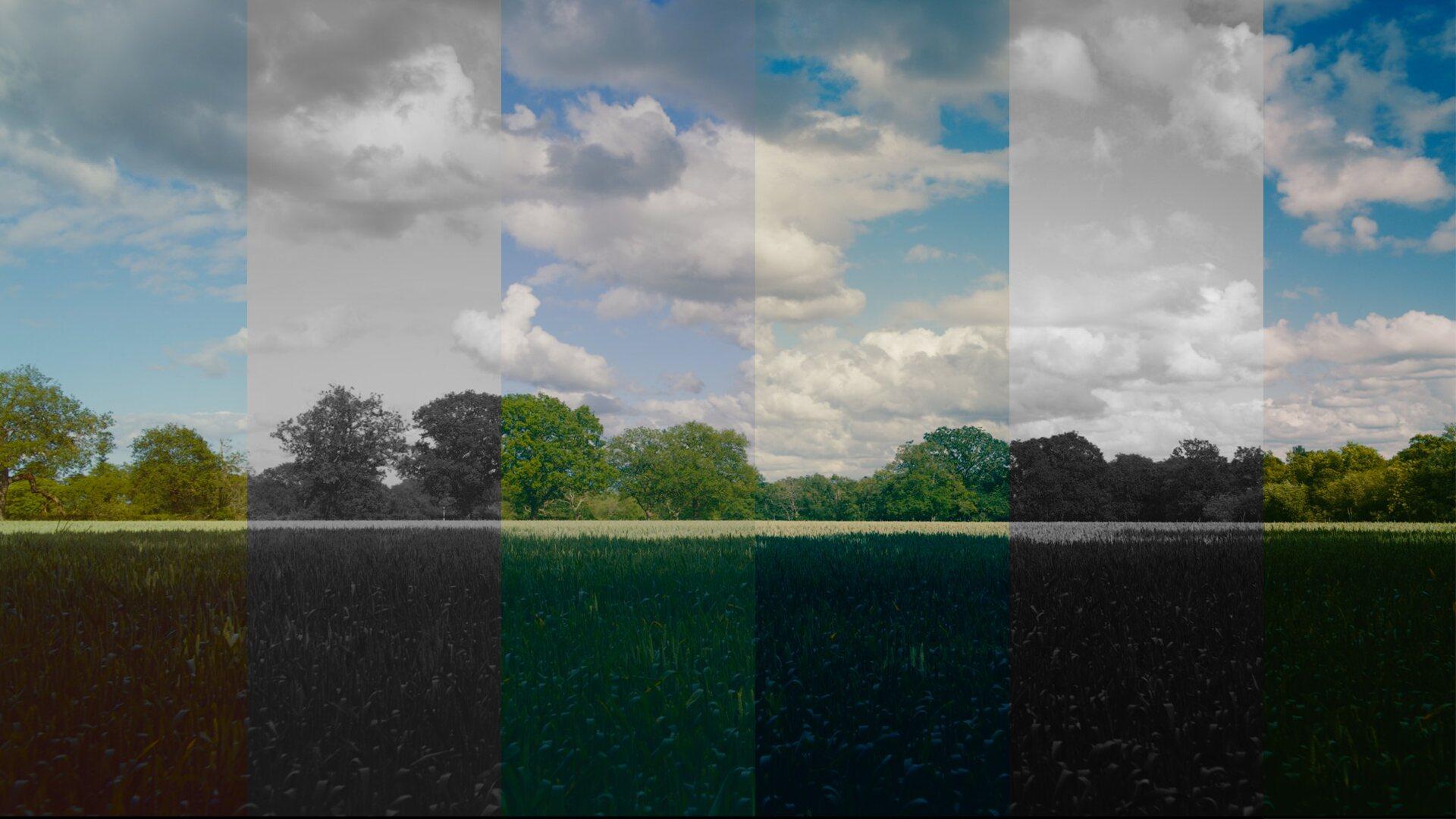
40 film stocks, built from real film data
Every stock is modelled from real film response data, so when you pick one, you get that filmic look in an instant.
MagicGrade Presents · A Collaboration With

Presets and looks by Casey Faris, on MagicGrade.
Colour, Simplified. One-time purchase, free 7-day trial.
An OFX Plugin for DaVinci Resolve · By MrAlexTech
Every stock is modelled from real film response data, so when you pick one, you get that filmic look in an instant.
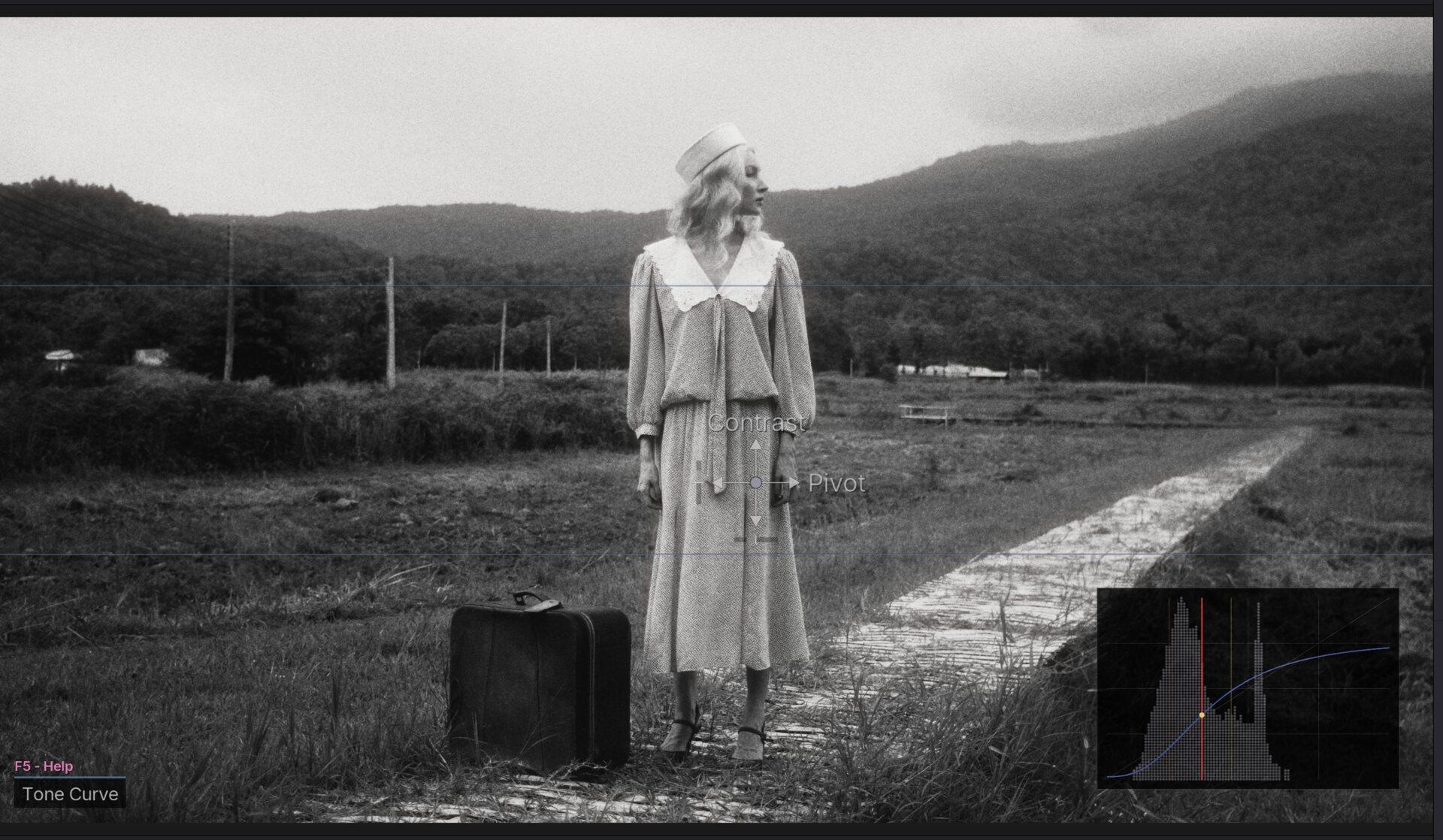
On-screen controls, right where you're already looking. Drag on the preview itself to adjust your grade - no digging through menus. Works on the edit page or the colour page, in Resolve Free and Studio alike.

Grain with per-stock profiles, halation, bloom, lens blur and chromatic aberration. The physical, in-camera stuff that makes digital footage stop looking digital.
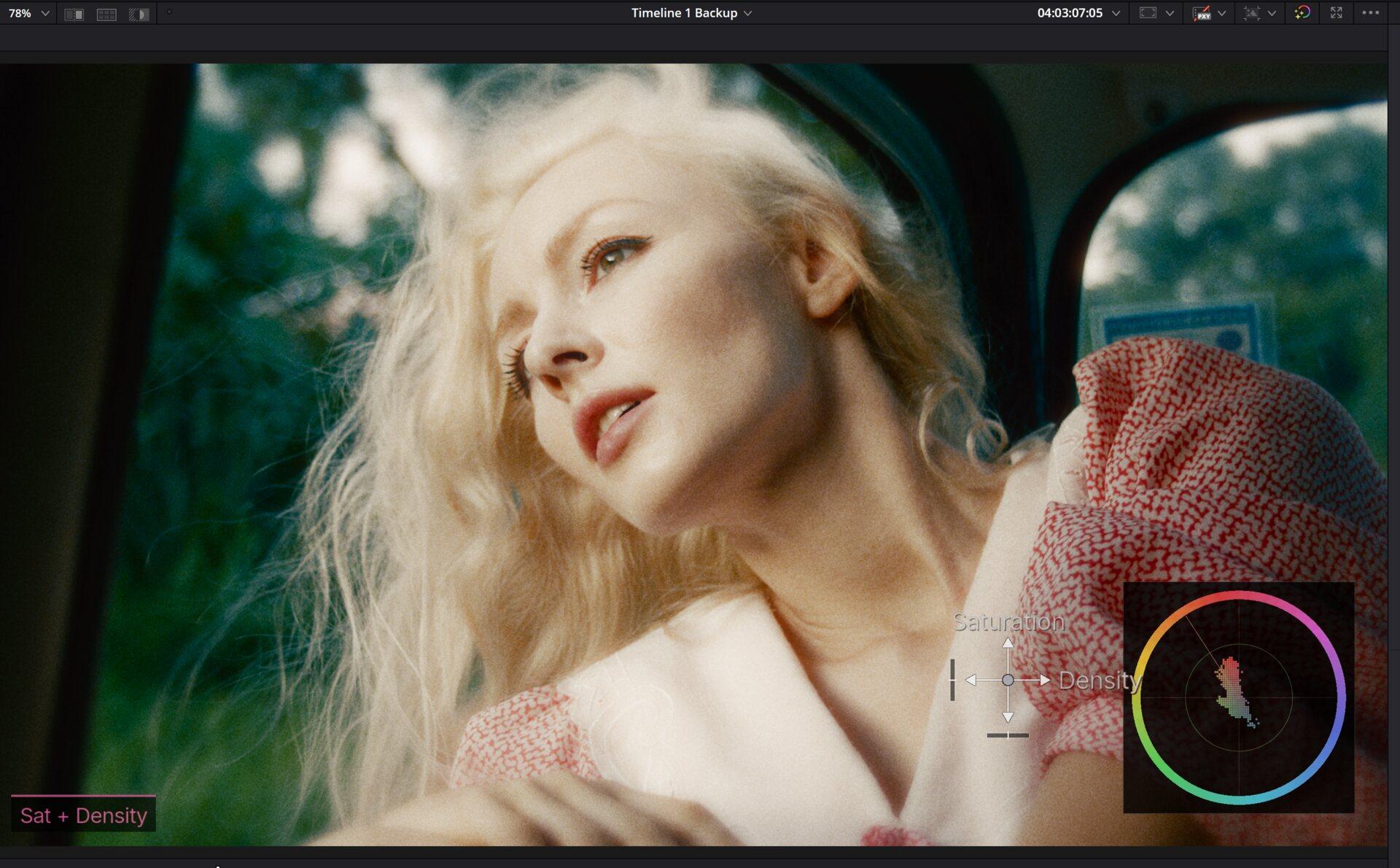
The sliders feel simple because the maths underneath is serious: Linear Gain Exposure that moves like a real camera stop, a Tetrahedral Colour Warper for clean hue moves that never fall apart, and filmic saturation and density - colour that gets richer the way film does, not the neon way.
Click to download Casey Faris's custom made MagicGrade presets.
Install once, and they land in your MagicGrade preset library - yours to keep.