
An OFX Plugin by MrAlexTech
MagicGrade
Colour, Simplified
Grade on the edit page or the colour page. Drag on the preview to adjust colour, contrast, density, saturation and more. Plus Grain, Halation & Bloom! Easy, fast and intuitive. Works on both Free & Studio versions of DaVinci Resolve. Bosh!
One-time purchase. No subscription. Free 7-day trial.
New in v1.2.0 · Film Stocks
film stocks, based on real film data.
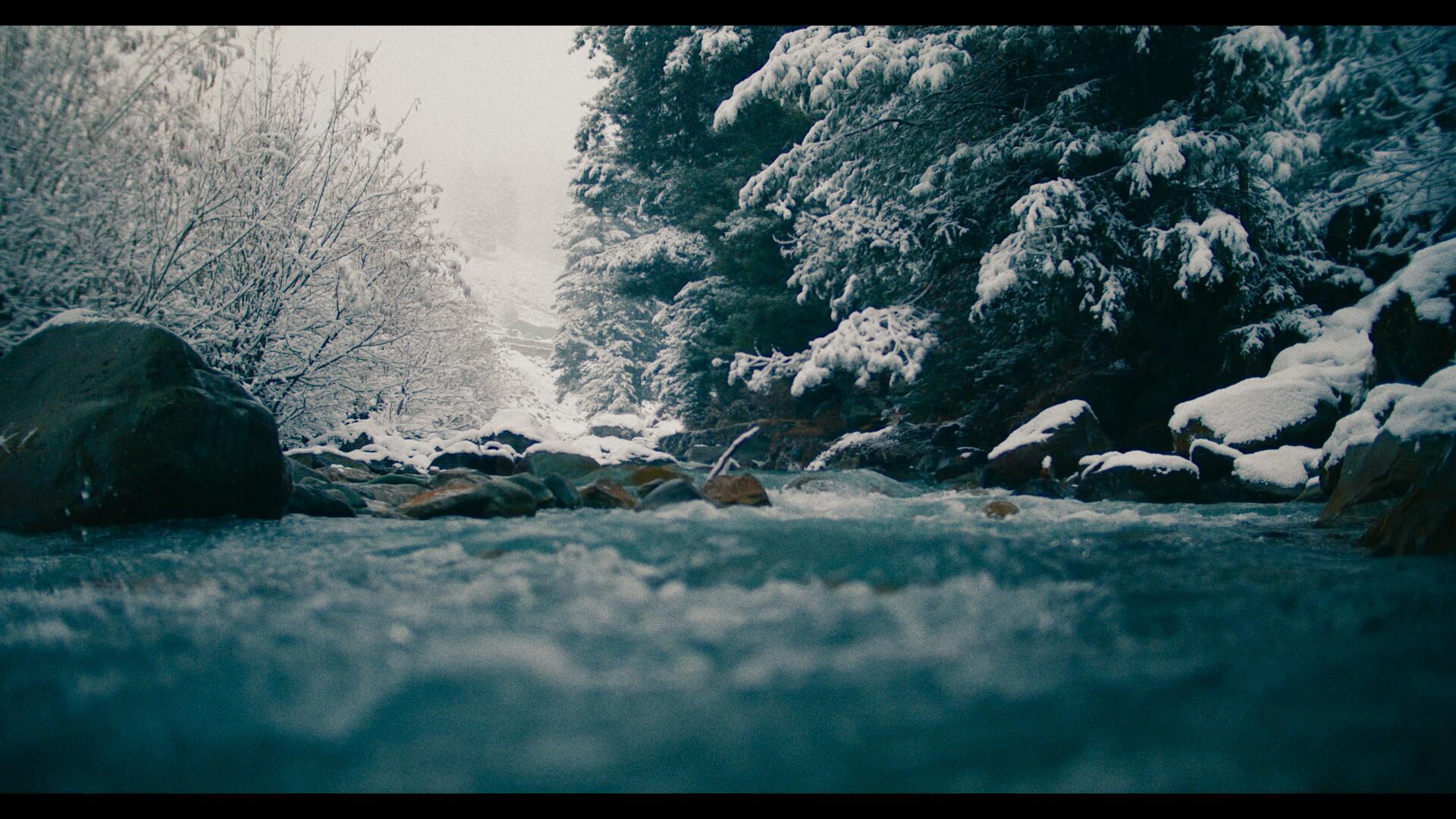
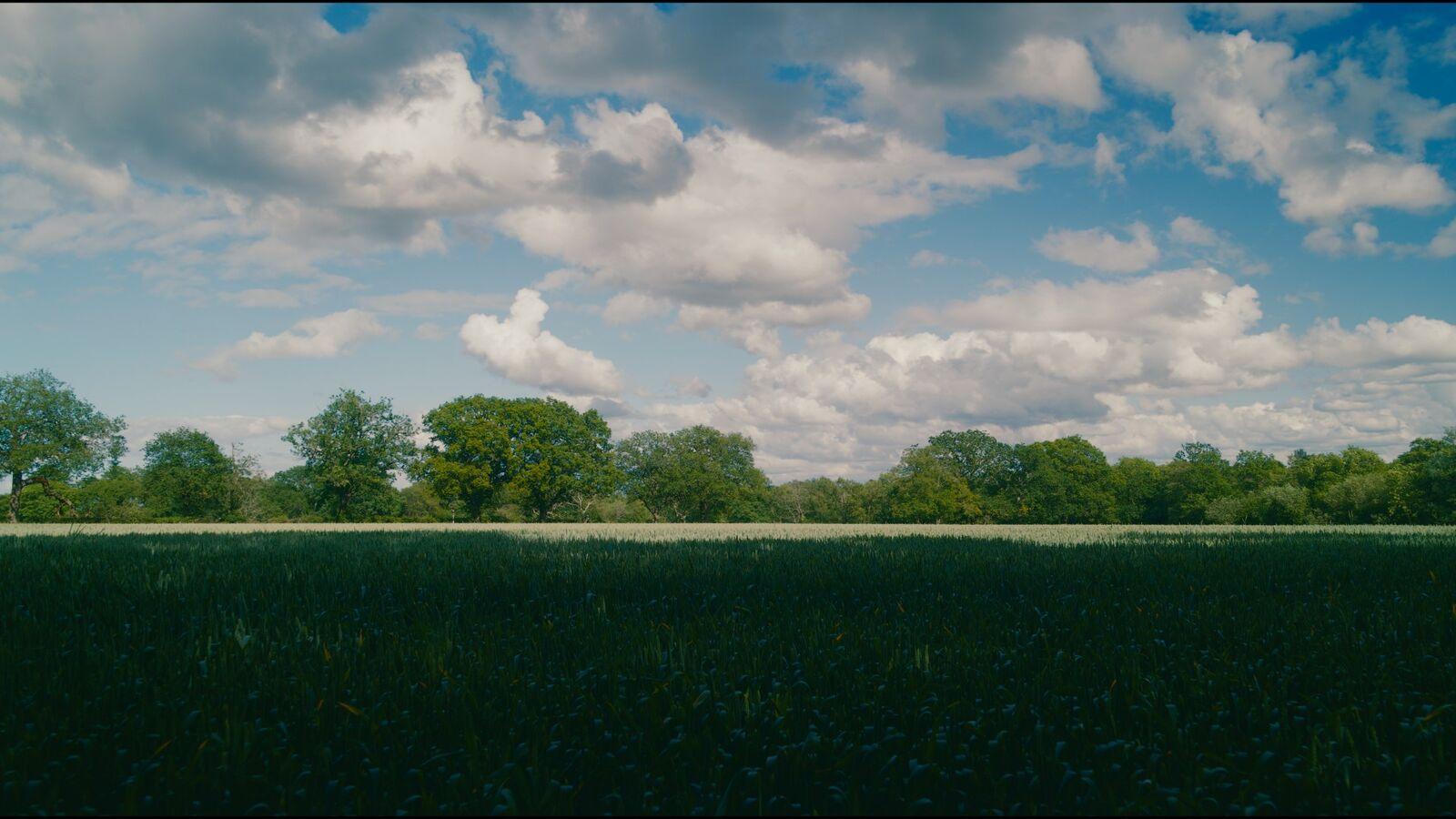
Not "filmic-ish" presets - proper emulation built from measured film characteristics. Pick a stock and MagicGrade handles the colour response, the contrast curve and the grain. One click, and your footage stops looking digital. Every frame below is the same shot, rendered by the plugin.
Go on, click a frame ↓ - same shot, forty stocks. Scroll the strip for the lot.
 Swatch
Grain that follows the stockNew
Every stock carries its own grain profile. Pick a fine-grained ISO 50 slide and the grain tightens up; pick a pushed ISO 400 and it gets big and lively. Size and density, matched automatically.
No grain slider guesswork!
Colour Space TransformsNew
No colour-managed timeline needed. Tell MagicGrade what your camera shot - S-Log3, Log-C, V-Log, R3D, whatever - pick your input, done. The stock lands exactly as designed.
Pick your input. Done.
Based on real film data
Built from measured characteristic curves and dye behaviour of real stocks - how each one renders colour, rolls off highlights and crushes (or doesn't crush) shadows.
Proper film emulation.
MagicGrade
Colour grading, minus the complexity
Grade on the edit page or the colour page with on-screen controls. No node graphs, no tiny dials.
Colour Correction
Exposure, contrast, saturation, temperature - the essentials, laid out simply.
Curves
Shape the image with a simple, intuitive curve. Lift the shadows, roll off the highlights - no node graphs needed.
Density
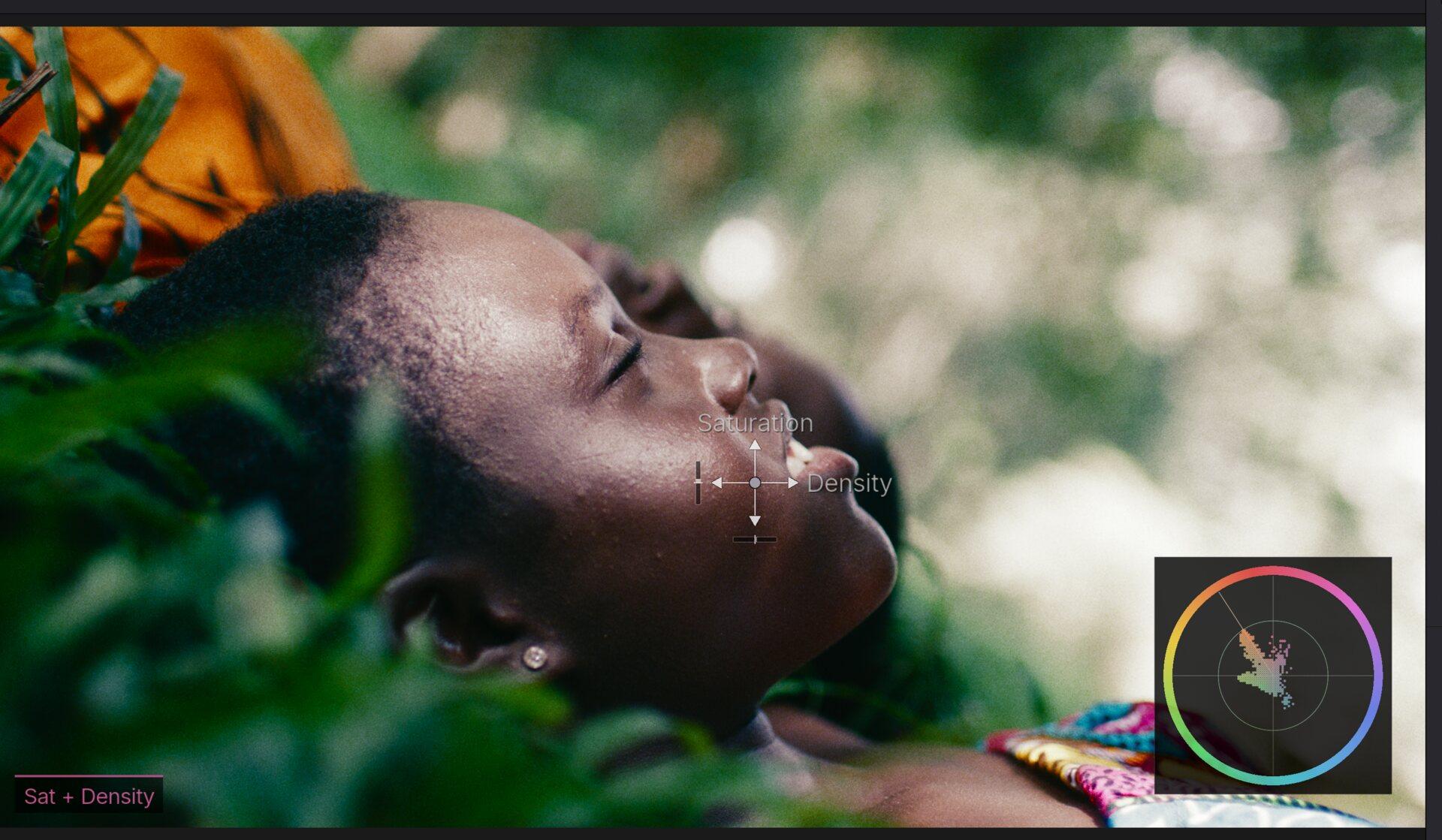
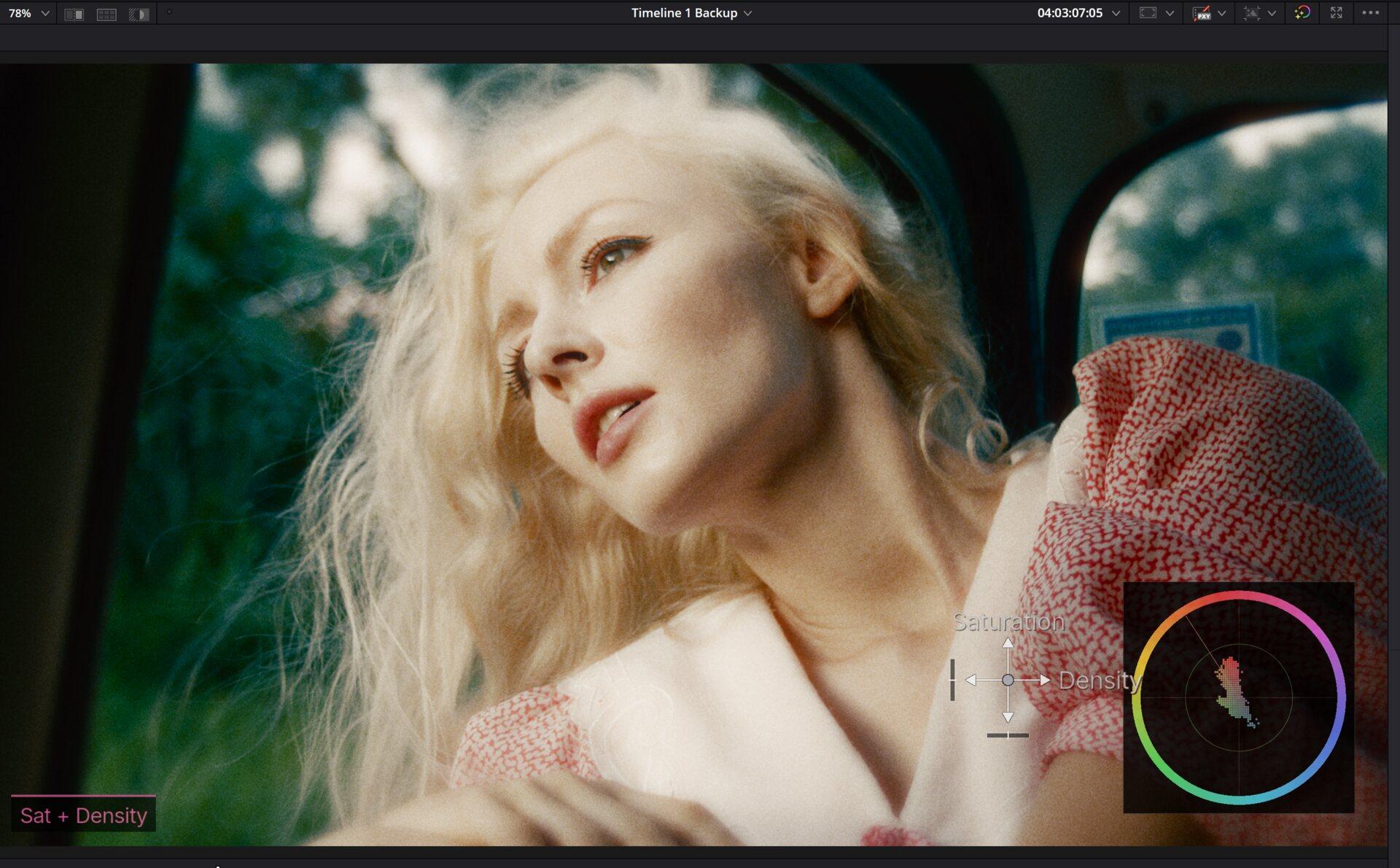
Add colour density for rich, vibrant tones - without tipping over into neon.
Hue vs. Controls
Tweak saturation, warmth, density and hue on each colour individually. Plus Crosstalk!
RGB Curves
Per-channel curves for simple, intuitive split toning.
On-Screen Controls
Grade right on the preview by dragging your mouse. Or dive into the sliders - your call.
Under the hood · Colour Science
Simple controls. Real colour science.
The sliders feel simple because the maths underneath is serious - the same colour science you’d find in a high-end grading pipeline, with none of the homework.
- Linear Gain Exposure - brightness moves like a real camera stop, not a brightness filter
- Tetrahedral Colour Warper - clean hue moves that hold together, no banding, no broken gradients
- Filmic saturation & density - colour gets richer the way film does, never neon
Texture & Lens
The finishing touches
Grain, glow, bloom - and now a full lens kit. Designed to be clean, simple and fast. Stuff that just looks good.


Grain
Natural film grain, now profiled per stock. Runs fast, looks good - never like a bad Instagram filter.
Halation
That warm glow around highlights that screams film. Simple intensity control, instant vibe.
Bloom
Soft, dreamy highlight bloom. Dial it up for music videos, keep it subtle for narrative.
Vignette
Draw the eye to the centre of frame. Clean, smooth falloff - nothing heavy-handed.
Lens EffectsNew in 1.2.0
Lens Blur
Gentle softness towards the edges of frame, like a vintage prime wide open. Centre stays crisp.
Chromatic Aberration
Subtle red/cyan fringing at the edges. The imperfection that makes digital footage feel photographed.
Lens Distortion
A touch of barrel or pincushion to take the digital edge off. Two sliders, instant character.
New in v1.2.0 · MagicGrade Film
MagicGrade without the grading.
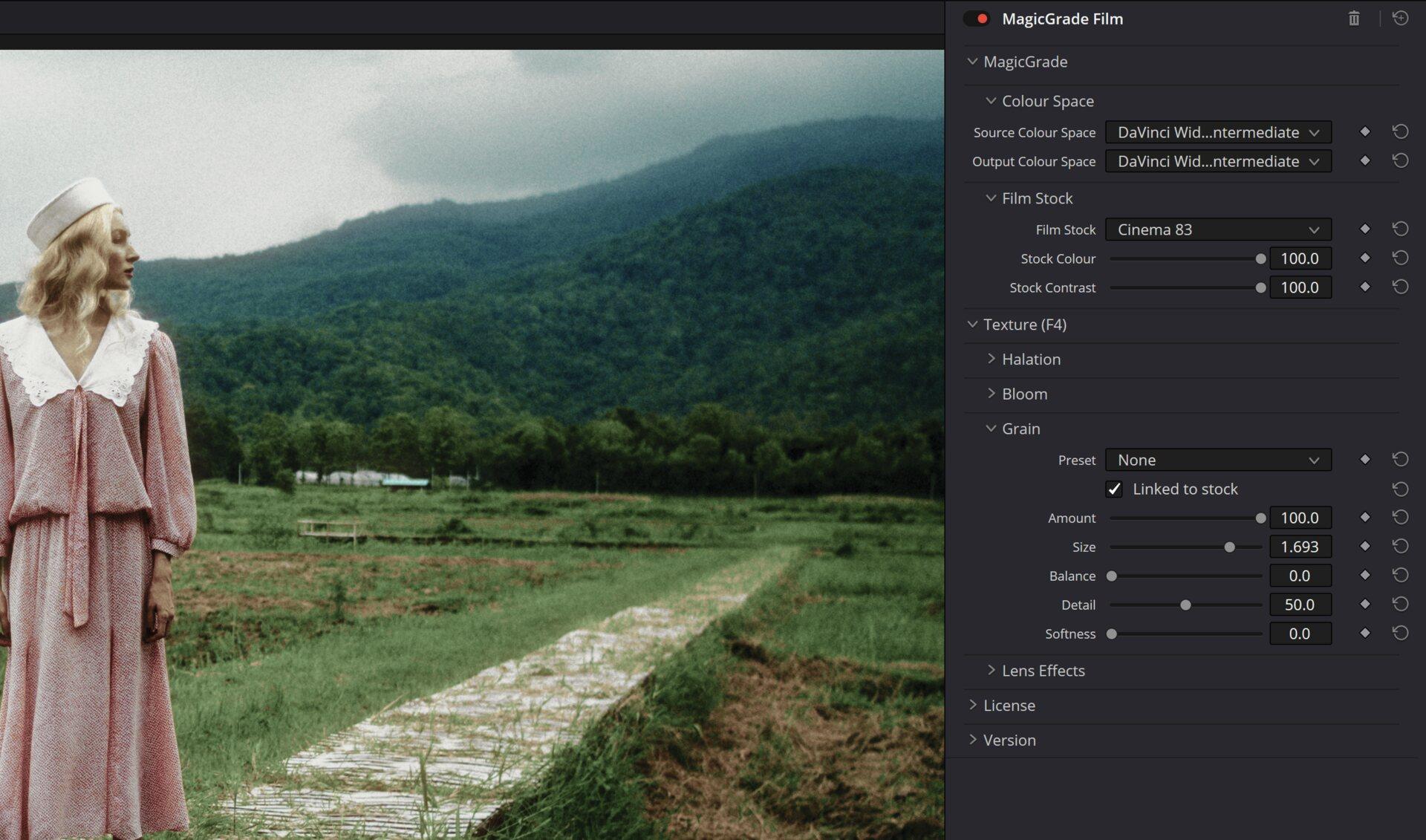
Already happy in your node tree? MagicGrade Film is a second, stripped-back tool: just the Colour Space Transform, the 40 Film Stocks and Texture. Drop it at the end of a traditional grade and get the film look - your nodes stay yours.
CST + Film Stock + Texture. That's it. That's the tool.
How it works
Seriously, it's this easy
Install it
Download the installer, run it, done. MagicGrade shows up in Resolve automatically.
Pick a stock
Choose one of 40 film stocks, set your camera's input colour space, and you're already most of the way there.
Drag to grade
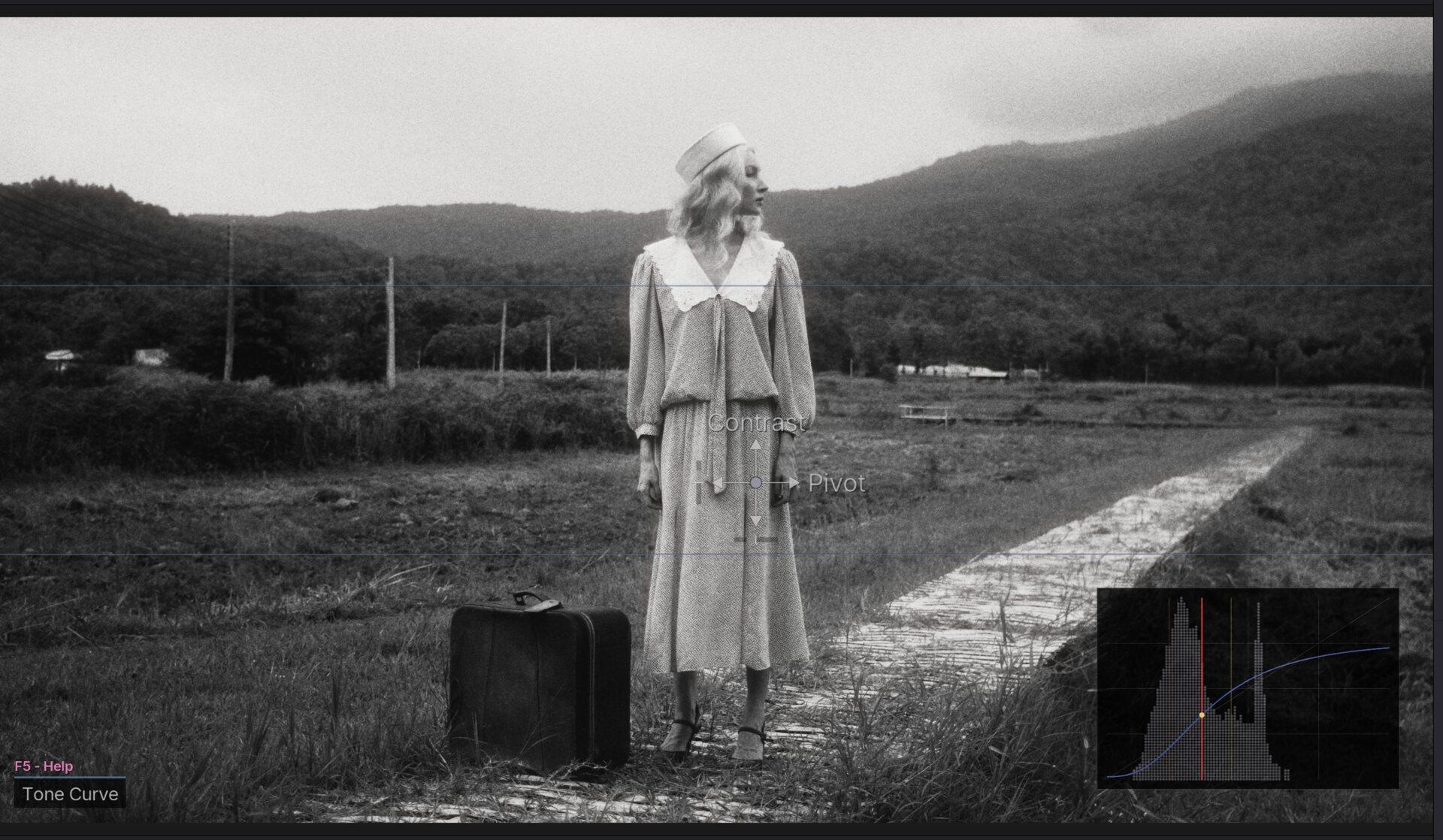
Fine-tune right on the preview - drag to adjust colour, contrast and density. Save it, share it, make it yours.
Stuck? Press F5. Quick Help pops up right inside the plugin - every control explained, no manual required.
Pricing
One Price. No Subscription.
Early adopter price - one-time purchase
Taxes calculated at checkout based on your location
- 40 film stocks, based on real film dataNew!
- Lens Effects & Colour Space TransformsNew!
- MagicGrade Film - the node-tree-friendly toolNew!
- On-screen preview controls - grade by dragging
- Colour correction & curves
- Look presets
- Texture - grain, halation, bloom, vignette
- Create & share your own presets
- GPU accelerated (CUDA + Metal)
- Windows & macOS (Apple Silicon native)
- Free updates for life
- No subscription, ever
Secure checkout via Stripe. Try free for 7 days first.
FAQ